

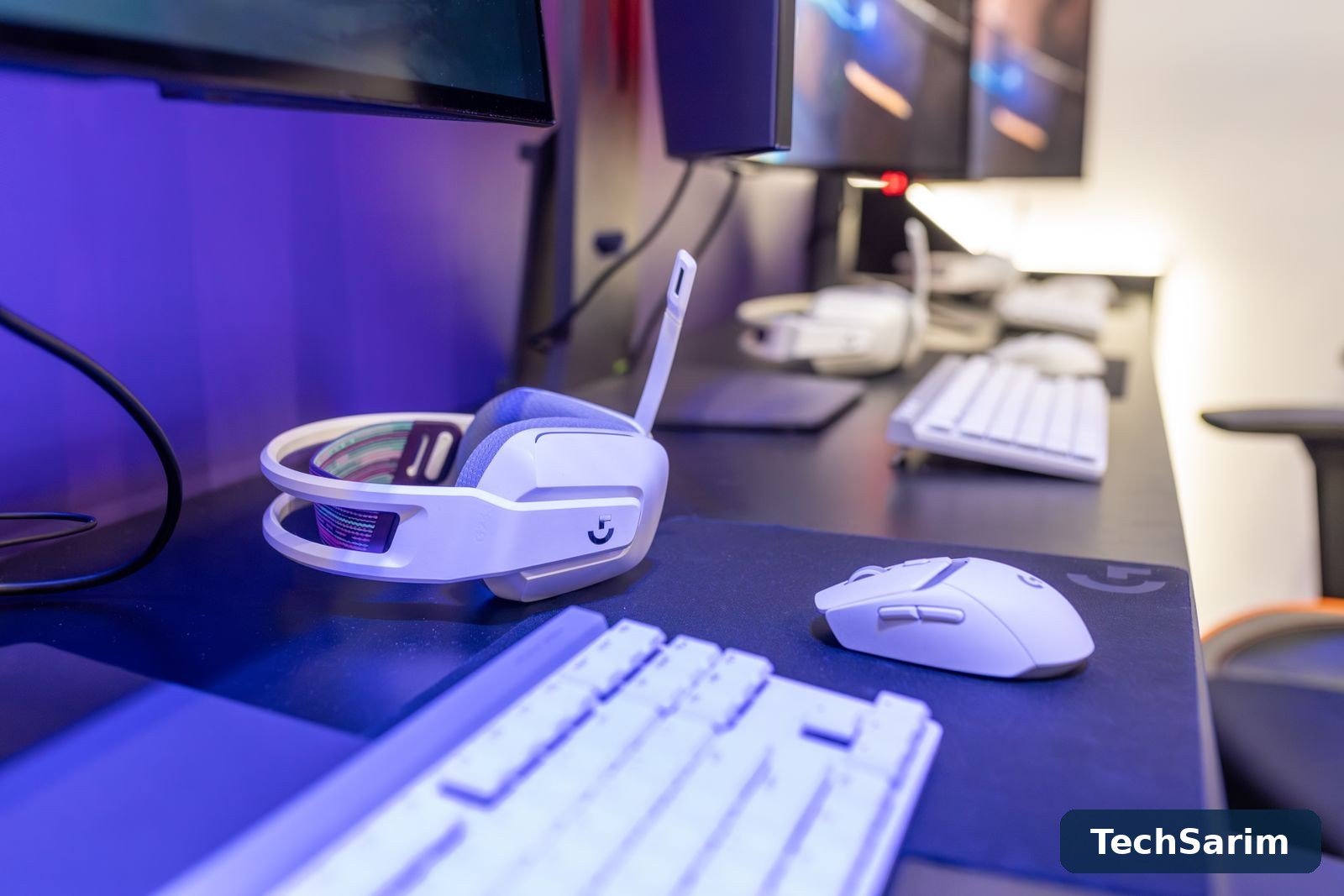
Most budget gaming setups go wrong in the same quiet way: the money gets spent in the wrong order. A glowing keyboard arrives first because it photographs well, a “gaming chair” follows because it looks the part, and the mouse — the one accessory your hand is actually aiming with — stays the cheap office model that came free with something in 2019. This guide, part of our Tech Gadgets & Product Reviews coverage, exists to fix the order. Accessories are not bought as a matching set; they are bought as a queue, and the queue below is ranked by a simple test: how much does this change the way games actually feel, per unit of money spent?
The honest framing before any product talk. No accessory makes a bad PC good, and none of them substitutes for frames per second. What the right accessories do is remove friction between you and the game: aim that goes where your hand points, sound that tells you where things are happening, keys that register cleanly, and a body that isn’t complaining after an hour. Bought in the right order, a modest budget covers all four. Bought in the wrong order, the same budget buys lights.
Everything here is described by class rather than by a single crowned winner, because budget lines change constantly and last season’s model at a discount is often the smartest buy in the category. Prices are given in shape — most of what follows lives in the under-fifty band, much of it well under — and the verdicts concentrate on what separates a good budget accessory from a decorated one.
The upgrade order at a glance
| Priority | Accessory | What it actually improves | Typical budget band |
|---|---|---|---|
| Buy first | Gaming mouse + large cloth pad | Aim consistency, tracking on any desk, comfort | Pad: very cheap; mouse: under fifty |
| Buy second | Audio: wired headset or good earbuds | Positional information, team communication, immersion | Under fifty; under thirty workable |
| Buy third | Keyboard (budget mechanical or decent membrane) | Clean key registration, no ghosting on combos | Under fifty |
| Buy when needed | Controller | Racing, sports, platformers, couch and phone gaming | Under fifty; first-party on sale |
| Buy for your body | Chair/posture fixes | Session length without aches; protects everything else | Cushion/footrest: cheap; chair: save up |
| Later or never | Monitor upgrade | Only after checking your current panel’s real limits | The big spend — research it separately |
| Skip | RGB hubs, “gaming” routers, mouse bungees, headset stands with USB hubs | Nothing measurable | Save the money |
Read the table as a queue, not a shopping list. If you own none of these, the mouse and pad come home first even if the keyboard is the thing that looks worst on your desk. Looks are how the wrong order happens.
First upgrade: the mouse — and the pad underneath it
The mouse is the highest-value accessory in gaming because it is the aiming device, and aiming is the skill most games test most often. The computer mouse has been refined for decades, and the budget end of the gaming market is where that refinement has become genuinely cheap: the optical sensors in today’s budget gaming mice are, for human purposes, solved technology. They track fast flicks without spinning out, they don’t drift on cloth, and they do it at prices that would have bought a jittery office mouse a few years ago.
What to look for in the class, in order. Shape and weight first. A lightweight mouse — the modern budget class clusters around the “featherweight” end of the scale, often with a honeycomb or clean solid shell — is easier to flick and stop precisely, and easier on the wrist over long sessions. Match the shape to your grip: fingertip and claw grips suit smaller, lighter mice; palm grip wants a taller hump that fills the hand. Sensor second, and briefly: any named optical sensor from the major sensor makers in a current budget model is fine; the numbers race is addressed in the traps section below, because it deserves scepticism. Switches and cable third. Crisp main clicks that don’t double-click after a few months are the real durability test, and a soft, flexible “paracord-style” cable (or wireless, now genuinely viable in this band) stops the cable dragging your aim around. Independent testers such as RTINGS measure click latency and sensor performance properly, which is worth more than any box copy.

Then the pad, which is not an accessory for the mouse so much as the surface the whole system stands on. A large cloth desk pad — the kind that sits under both mouse and keyboard — costs very little, and it fixes three problems at once: inconsistent tracking on bare wood or glass, the mouse running out of room mid-flick at low sensitivity, and the keyboard sliding around. Low-sensitivity players, which most accurate shooter players are, need sweep room more than they need any sensor upgrade. If your budget stretches to exactly one purchase this month, make it the pad plus the best lightweight optical mouse you can find in the under-fifty band, bought together. It is the only pairing on this list where the cheap half genuinely upgrades the expensive half.
One free step before spending: turn off pointer “enhance precision” (mouse acceleration) in your operating system and set the mouse’s DPI to a moderate step, then adjust sensitivity in-game. Acceleration makes the same hand movement produce different cursor distances depending on speed, which is poison for building aim consistency — and removing it costs nothing.
Second upgrade: audio — headset, headphones or earbuds
Sound is information. Footsteps, reloads, a door opening behind you, the direction of an engine — games broadcast all of it, and speakers across a room smear most of it away. Audio is the second upgrade because it changes what you know while playing, which is a bigger advantage than any single piece of hardware on this list except the mouse. It also carries your voice to your team, which is where the honest complications start.
The budget class splits three ways. A wired gaming headset is the simple answer: one purchase, headphones and microphone together, plugs into anything with a 3.5mm jack or USB. In the under-fifty band you get perfectly usable sound and a microphone that is — be honest — adequate for team chat rather than good. Headsets in this class are judged on comfort (clamp force and ear cushion material matter more than driver size), a microphone that doesn’t make you sound submerged, and build that survives being dropped off the desk. Separate headphones plus a cheap microphone sounds better per unit of money at almost every price, because headphone makers spend the whole budget on sound; the trade is clutter — two cables or a desk mic — and no tidy single purchase. If you already own decent music headphones, a modest add-on or USB microphone is the smartest audio buy on this page. Earbuds you already own are the zeroth option: our guide to the best wireless earbuds in 2026 covers the class properly, and for casual play a good set of earbuds with a built-in mic beats a dreadful headset. Just know that Bluetooth adds a small delay and earbud microphones are the weakest of the three routes.
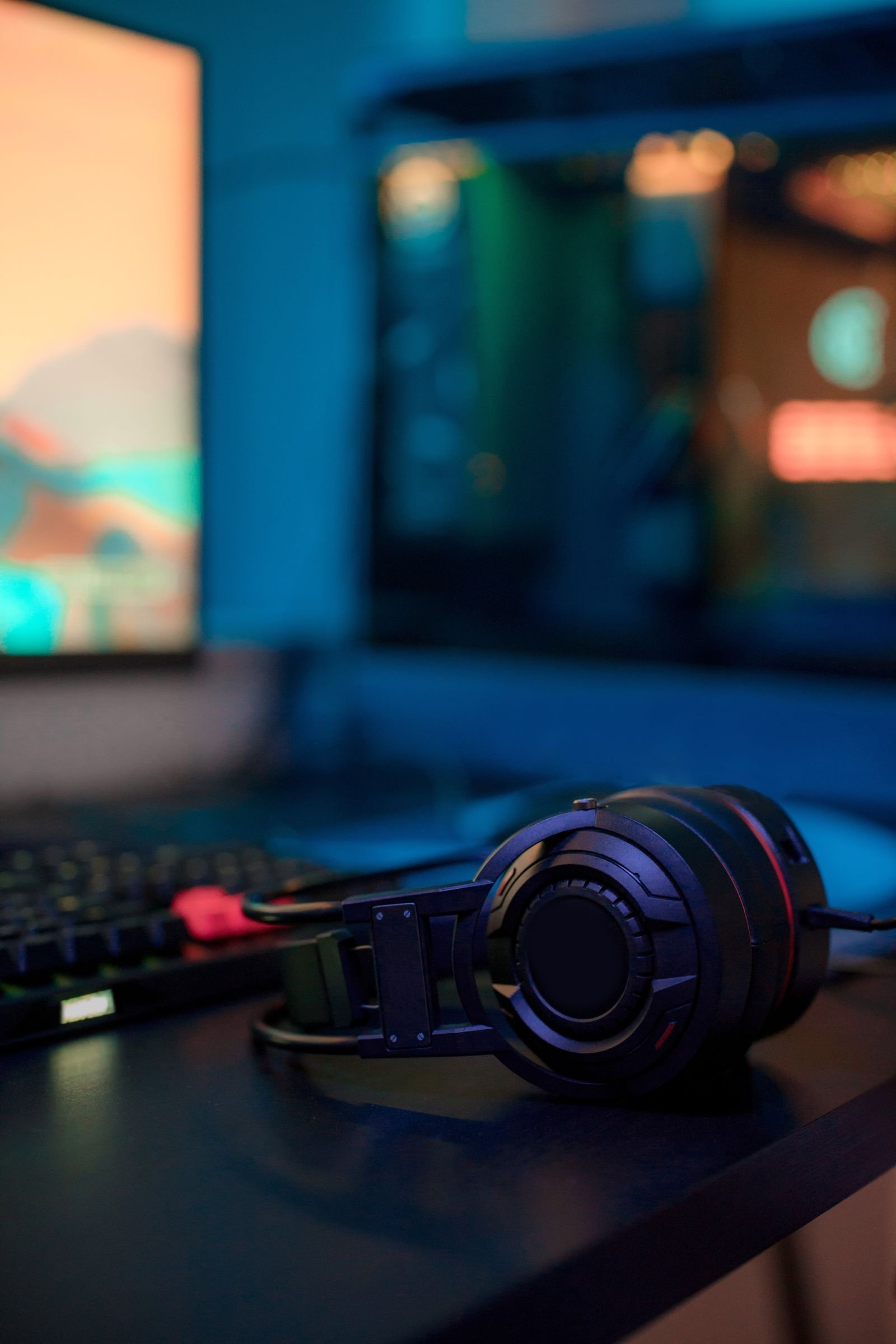
What to ignore in this category: virtual surround badges (covered in the traps), driver-size boasting, and any headset whose selling point is its lighting. What to prioritise if you play long sessions: weight and breathable cushions, because a headset that hurts at minute forty gets taken off, and audio you aren’t wearing provides no information at all. Console players should check the controller’s jack and chat-mix controls before buying; PC players should prefer USB only if the analogue jack on their machine is noisy — USB headsets carry their own little sound card, which is a fix for a problem you may not have.
Third upgrade: the keyboard — membrane versus budget mechanical
Keyboards rank third not because they don’t matter but because the gap between a bad keyboard and a good one is smaller, in play, than the gap between a bad mouse and a good one. Your keys either register or they don’t, and the failures that actually cost games are specific: ghosting, where pressing several keys at once drops one of them, and mushy, inconsistent keys that make double-taps and strafing feel unreliable.
The budget decision is membrane versus mechanical, and the honest answer is that the old snobbery is out of date. A good membrane board — the better office and budget “gaming” membranes — is quiet, spill-tolerant, cheap, and entirely playable; its weakness is feel and longevity, not function. A budget mechanical board in the same band buys you individual switches with a defined actuation point, proper n-key rollover so combinations always register, replaceable keycaps, and a lifespan measured in tens of millions of presses. In the under-fifty band the mechanical class has become the default recommendation for anyone who types a lot as well as plays, with two cautions: cheap mechanical switches vary in consistency from key to key, and budget boards can ping and rattle in ways that annoy in a quiet room. Hot-swappable switches, once a premium feature, now appear at this level and are worth having — a dead switch becomes a two-minute fix instead of a new keyboard.
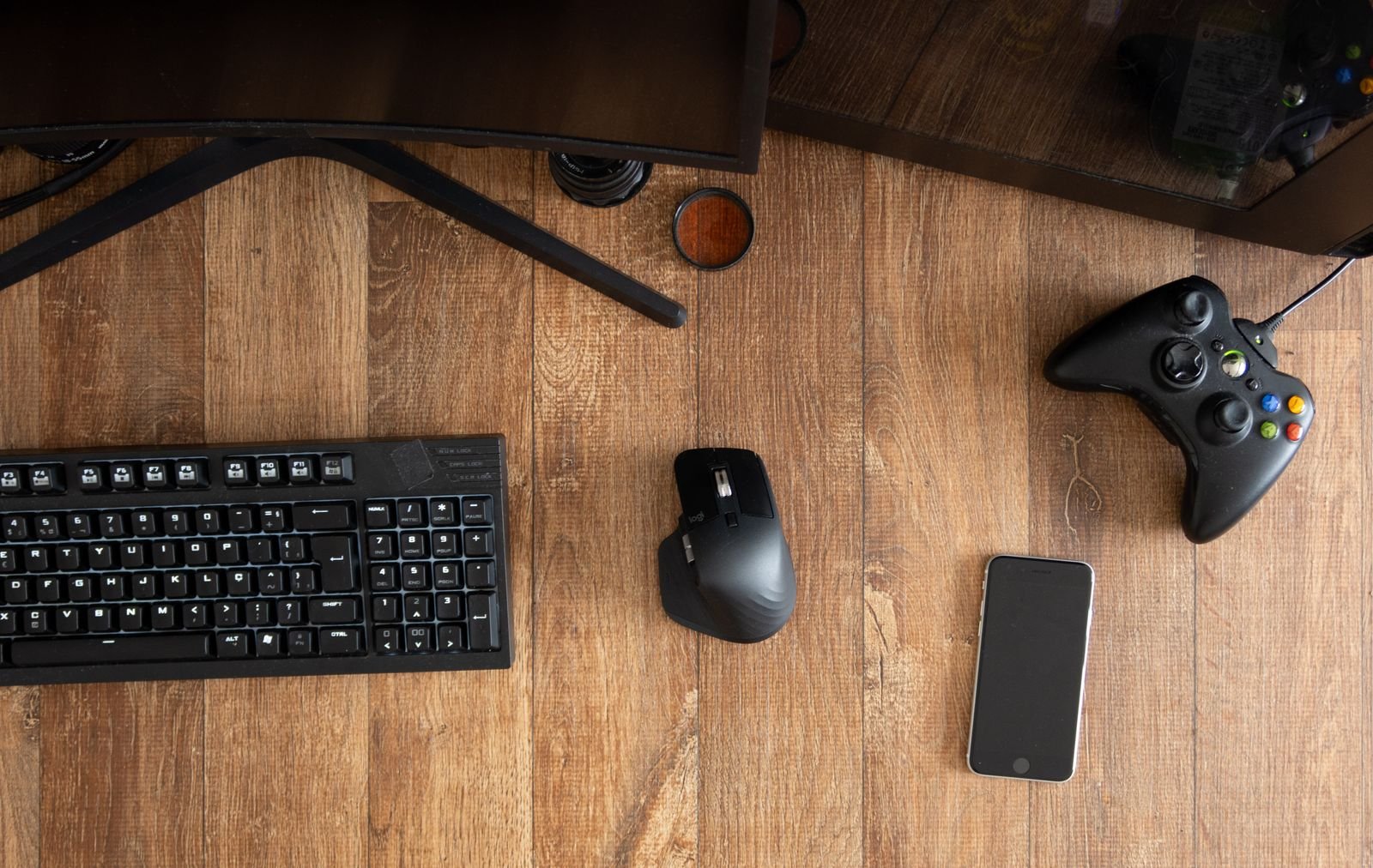
Layout deserves one paragraph of your money-minded attention. A tenkeyless or compact board frees desk space for the wide mouse sweeps section one argued for, and on a small desk that trade is worth more than a number pad you use twice a year. Full-size is right if you genuinely use the numpad for work. Either way, spend on rollover, switches and build before backlighting — a single-colour backlight helps you find keys in the dark; per-key RGB helps you find nothing but a higher price, which brings us neatly to what this accessory should not cost you. Wrist rests, by the way, are for resting between rounds, not for planting your wrists on while playing; hover or rest lightly, a point the posture section returns to.
The monitor question, briefly
Sooner or later every budget list gets asked about the monitor, and the honest answer is: not yet, and not from the accessories budget. A monitor is the single most expensive item anywhere near this guide, and upgrading it only pays when two things are true — your PC can feed it more frames than your current panel can show, and the panel you own is genuinely the bottleneck (old, small, low-refresh, poor response). Check the second point before dreaming about the first: many players are sitting on a perfectly decent panel with its refresh rate never actually enabled in settings, running at a default lower rate for years. Enabling what you already own is the best budget upgrade in this entire article, and it is free. When a monitor does become the right purchase, it deserves its own research and its own budget line — size, refresh rate and panel type interact with the games you play too much to be an accessory-tier decision.
Controllers: buy one when the games ask for it
A controller is the most conditional item on this list: essential for whole genres, useless for others. Racing games, sports titles, platformers, action games built around analogue movement, and anything played from a couch are controller games; shooters and strategy titles on PC mostly are not. Buy one when your library asks, and not before.
The class advice is simple. First-party controllers — the current Xbox and PlayStation pads — are the reliable budget answer despite sitting at the top of the band, because PC support is native, every game maps them correctly, and they go on sale regularly; the Xbox layout is the de facto PC standard that games assume. Third-party wired pads cost notably less and the good ones are fine for single-player and casual play, with sticks and triggers a step behind the first-party feel. Hall-effect sticks, which resist the drift that kills controllers, have begun appearing in the budget class and are the one feature worth actively seeking. The same controller often serves double duty away from the desk: paired with a phone it turns mobile titles into something closer to console play, which is why it cross-references our roundup of the best phones for gaming — a cheap clip and a pad you already own is the budget route into that whole category.
Chair and posture: the unglamorous upgrade
Nobody posts a photo of a lumbar cushion, so this section gets skipped in most lists, and it is the one your body would vote for. The truth about “gaming chairs” in the budget band is uncomfortable in both senses: the racing-styled bucket seats that dominate the category are mostly styling — firm flat cushions, bolt-upright backs and bolsters designed for a racetrack, sold cheap because the materials are cheap. A budget office chair with actual adjustability, or even your existing chair plus targeted fixes, usually beats them for the thing a chair is for.
Buy in this order. Feet flat and screen height first — free. Feet on the floor (or a footrest, or a stack of books), screen top around eye level (a pile of books under the monitor works), elbows near ninety degrees. A lumbar cushion or a rolled towel behind the lower back if your chair’s backrest is flat — the cheapest comfort purchase in this guide. A seat cushion if the chair itself is hard. Only after those, if the chair is genuinely broken or backless-stool territory, does a new chair enter the conversation — and when it does, spend on an adjustable office chair from a maker who publishes a warranty, not on a bucket seat with a logo. Posture is also an accessory you already own: standing up between matches does more for a three-hour session than any cushion.
Marketing traps: the numbers that don’t mean what you think
Budget gaming gear is sold with numbers, and three of them deserve permanent suspicion.
Absurd DPI figures. Mouse sensors advertise maximum sensitivities in the tens of thousands, and almost nobody plays above the low thousands — most competitive players sit in the hundreds-to-low-thousands range. A huge DPI number tells you the sensor’s ceiling, not its quality; a budget mouse with a modest maximum and clean tracking at normal settings beats a headline number every time. Fake 7.1 surround. Nearly every “7.1” budget headset is two drivers — two ears, two speakers — with software processing that widens the sound. Processing can be pleasant, but it is not seven speakers, it sometimes smears the directional cues you bought audio for, and plain stereo from good drivers positions sound better. The RGB tax. Lighting adds cost, and on budget gear that cost comes out of the sensor, the switches, the cushions or the cable. Lights are a legitimate thing to enjoy — just buy them last, knowingly, after the functional spec is right, and be aware that on a tight budget the same model without the light show is often the same money spent on better parts.
Two smaller traps for the list: “gaming” routers and network gear, which cannot improve a connection that is fine and rarely fix one that isn’t; and accessory-shaped objects — headset stands with mediocre USB hubs, mouse bungees, controller charging sculptures — that solve display problems rather than playing problems. Your desk is not a shop window.
Wired versus wireless, honestly
Every accessory on this list now comes in a wireless version, and the budget question is always the same: what does cutting the cable cost, and what does it buy? The honest state of play is that wireless performance stopped being the issue a while ago — modern 2.4GHz dongle connections on mice and headsets are, for human reaction times, indistinguishable from a wire, and the latency horror stories belong to an older generation and to plain Bluetooth, which still adds a small delay worth avoiding for fast games where the option exists.
What wireless still costs is money and chores. The same accessory typically costs more in wireless form, weighs a little more once a battery is inside, and adds charging to your routine — trivial weekly for a mouse, more annoying for a headset that dies mid-session because nobody warned it was low. The budget verdict by category: mouse — wireless is worth it if the price gap is small, because the cable genuinely interferes with aim and the dongle versions in this band are excellent; headset — wired by default, since you sit still wearing it and the wire buys better sound and a better microphone for the same money; keyboard — wired unless your desk demands otherwise, because keyboards move least and benefit least; controller — wireless is the point, because its home is the couch, a room away from the screen. Buy wireless where movement is the job, and let the stationary gear keep its cable and its lower price.
What to skip entirely (for now)
Skipped, in one breath: capture cards and stream decks until you are actually streaming to an audience that exists; a second monitor bought for chat and wikis before the first monitor is right; wireless everything as a principle, where the wireless version costs more and adds charging to your life for a cable that wasn’t bothering you; replacement keycap sets and desk “themes” until every functional tier above is covered; and extended warranties on accessories whose entire replacement cost is the price of the warranty’s paperwork. Skipping is not deprivation — it is where the budget for the top of the queue comes from.
Frequently asked questions
If I can only buy one thing, what should it be? The mouse-and-pad pairing, treated as one purchase. It changes aim — the thing most games test most — and the pad upgrades whatever mouse you pair with it, now and after the next upgrade.
Are budget mechanical keyboards actually better than membrane? For most players, yes, modestly: consistent actuation, full rollover and repairability are real advantages, and the classes now overlap in price. A good membrane board remains a rational buy for quiet rooms and tight budgets; a bad mechanical board is worse than either.
Is a gaming headset worth it over headphones I already own? Only for the microphone and convenience. If your existing headphones sound good, add an inexpensive microphone and keep them. Buy a headset when you need one tidy device for PC and console, or your current headphones are uncomfortable for long sessions.
Does a controller help in shooters? On PC, generally no — mouse aim is the advantage the platform is built on, and aim assist narrows rather than closes the gap in most titles. Controllers earn their money in racing, sports, platformers and couch play.
How much should a budget setup cost in total? Working through the queue — pad, mouse, audio, keyboard — most players land somewhere in the low hundreds spread over several purchases, and stopping after the first two tiers is a completely respectable setup. Buy in order, over time, on sale.
Wired or wireless on a budget? Wireless where movement is the job — the mouse, and a controller used from the couch. Wired for the headset and keyboard, where you sit still and the saved money buys better sound and switches instead. Modern dongle wireless is genuinely lag-free for play; the trade is price and charging, not performance.
What about my laptop — does any of this apply? Nearly all of it, and arguably more: a mouse and pad transform a trackpad setup, a headset bypasses laptop speakers, and a keyboard lets you place the laptop screen at eye level on books or a stand, which is the posture fix in disguise.
The bottom line, by budget level
Spending almost nothing: fix the free things — mouse acceleration off, monitor refresh rate actually enabled, chair and screen height sorted with books and a cushion. Then the large cloth pad. This tier embarrasses most expensive setups that skipped it. While you’re in settings, the utilities in our guide to the best free PC software will clean up the machine itself for the same price of zero.
The under-fifty-at-a-time tier: mouse next, then audio (headset, or a microphone for headphones you own), then a keyboard with proper rollover. Each purchase should retire the weakest link, and the queue — not the sales page — decides which that is.
The one bigger purchase: make it the item your games actually demand — a first-party controller for a library full of racers and platformers, or the start of a monitor fund if your PC has outgrown your panel. Not the chair-shaped logo, not the lights.
That is the whole philosophy: accessories in the order your hands, ears and back notice them, described honestly by class, with the marketing numbers translated before they cost you. Build the queue, buy the top of it, and let the rest wait its turn — on this site, the queue always wins.