
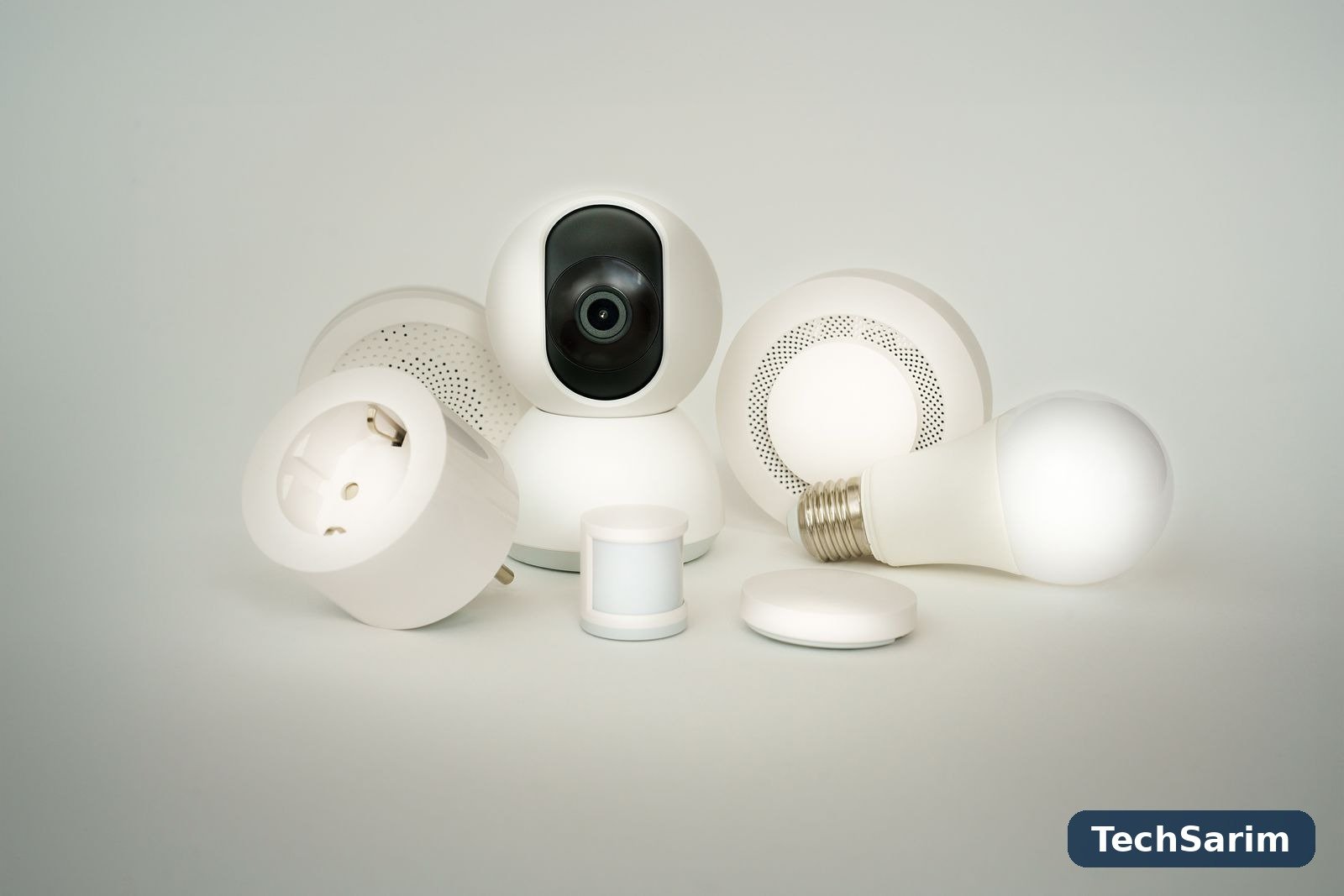

Every smart home starts the same way: one device, bought on a whim or received as a gift, that turns the lights on with a voice command — and feels like magic for about a week. Then comes the second device, from a different brand, with a different app. Then a third, with a hub nobody mentioned. Within a year the house has five apps, two hubs, a drawer of abandoned gadgets, and lights that only work when the WiFi, the cloud and the moon are all aligned. The technology didn’t fail. The order of buying did.
This guide, part of our Tech Gadgets & Product Reviews coverage, is built around a simple claim: a good smart home is mostly a good sequence. One ecosystem decision, made once. Then four device categories bought in the order that actually makes sense — speaker first, plugs second, lighting third, security last. Along the way we’ll be honest about the parts the adverts skip: what the Matter standard genuinely fixes and what it doesn’t, which “smart” purchases are subscriptions in disguise, what an always-listening microphone really means for your privacy, and why your router — not your gadgets — decides whether any of it works.
No invented prices and no fake “lab tests” here. Devices are judged by class, the way you’d judge them in a shop: what the good ones do well, where the cheap ones cut corners, and who should skip each category entirely.
The first decision matters most: pick your ecosystem
Before any device, there is a platform choice, and it is stickier than it looks. The three big assistants — Amazon’s Alexa, Google Home and Apple Home — all control roughly the same universe of bulbs, plugs and cameras, but they are not interchangeable in daily life. Your households’ phones are the strongest clue: an all-iPhone home will find Apple Home the path of least resistance, with Siri control and the Home app already installed; a mixed or Android-leaning home is usually better served by Google or Alexa, which treat all phones more equally. Alexa still has the widest third-party device support and the most aggressive discount cycle. Google’s assistant remains the best at understanding natural, follow-up questions. Apple has the strongest privacy story and the fussiest, smallest device catalogue.
The honest warning: you can technically run two ecosystems, and many homes drift into it. Resist. Every routine, automation and voice command doubles in maintenance, and “the lights” should never require remembering which assistant controls which room. Pick one primary assistant for voice control, even if a few devices quietly live in a brand app of their own.
Matter, explained honestly
Into this mess arrived Matter — a shared standard, maintained by the Connectivity Standards Alliance, that lets certified devices work across Alexa, Google Home and Apple Home instead of being locked to one. A Matter bulb can be controlled by Siri today and Alexa tomorrow. Setup codes are standardised, and much of the control happens locally in your home rather than through a distant server, which makes devices respond faster and keep working when the internet drops.
Now the honesty the logo won’t give you. Matter does not make every device equal: the standard covers core functions — on, off, dim, lock, unlock — while exotic features (a bulb’s party modes, a camera’s cleverest detection tricks, energy monitoring in some plugs) often still live only in the manufacturer’s own app. Cameras were late and partial arrivals to the standard, so video doorbells remain the least “Matter” part of any home. Firmware quality still varies wildly by brand: Matter removes the compatibility excuse, not the cheap gadget problem. And your old non-Matter devices don’t become Matter devices; they keep working as they always did, through their existing integrations.
The practical rule for 2026: when two devices are otherwise equal, buy the one with Matter (ideally over Thread, the low-power mesh radio built for this) on the box. But never replace working gear just to chase the logo, and never assume a Matter badge means a gadget is good — it means it is connectable. Those are different virtues.
The starter kit, in the order that makes sense
| Step | Buy this | Why this order | Skip it if… |
|---|---|---|---|
| 1 | A smart speaker or smart display | It’s the remote control for everything after it — voice, routines, timers, announcements | You genuinely never talk to devices; the phone app alone will do |
| 2 | Two or three smart plugs | The cheapest way to make “dumb” lamps, fans and heaters smart; instant wins | Your sockets are all hidden behind furniture you can’t reach |
| 3 | Smart lighting for one room | The upgrade every guest notices; schedules and dimming change how a room feels | Your home uses fittings smart bulbs don’t fit — use smart switches instead |
| 4 | A video doorbell, then cameras | Valuable, but the most expensive, most subscription-prone and most privacy-sensitive step | You rent and can’t mount anything — an indoor camera on a shelf may be enough |
| Later | Sensors, thermostat, robot vacuum | Excellent second wave once the basics run themselves | Your basics aren’t boring yet — expand only when steps 1–4 feel invisible |
Notice what’s not on the list for month one: the smart fridge, the smart lock, the video doorbell system with four cameras. Enthusiast homes exist and are wonderful, but they are built on a foundation of boring, reliable basics. Get the foundation right and every later addition is a pleasure instead of a project.
Step one: a smart speaker or smart display
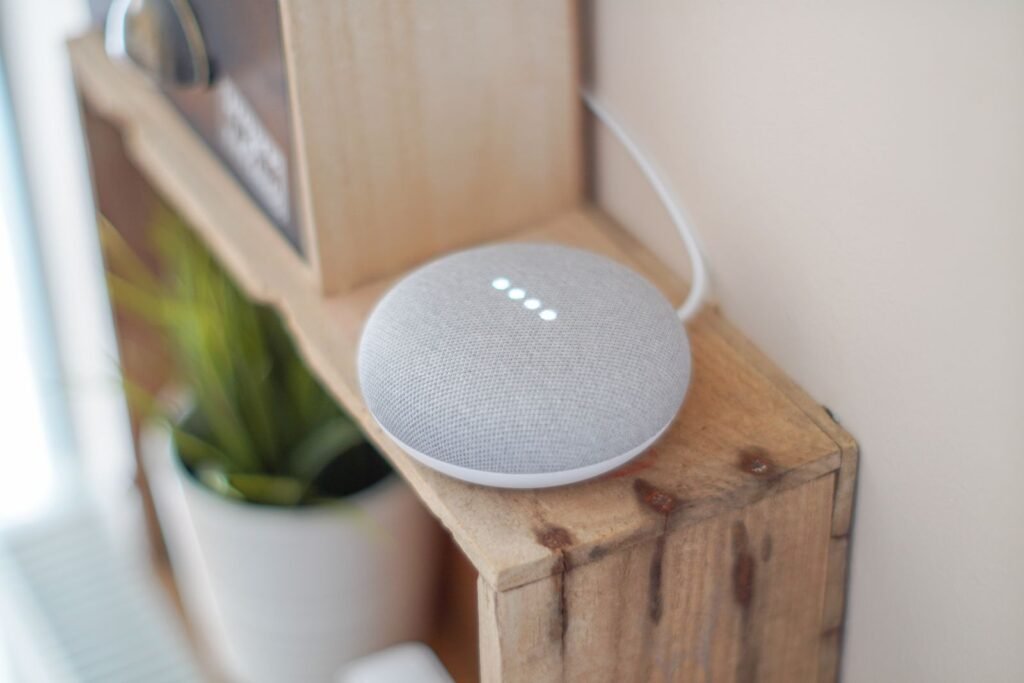
The speaker is not really about music — though the bigger models sound perfectly respectable — it’s about giving the house a voice interface that works from the sofa, the stove and the bed. Timers while your hands are covered in flour. Lights without finding a phone. A broadcast to the kids’ room instead of shouting up the stairs. This is the device that converts “smart home” from a phone hobby into something the whole household, including guests and grandparents, can actually use.
By class, the choice is refreshingly simple because it follows the ecosystem decision you already made. Amazon’s Echo class is the default recommendation for most homes: the mid-size speaker is the sweet spot (the mini versions are fine for bedrooms and questions, thin for music), the product line is enormous, and sales are so frequent that paying full price is a choice, not a necessity. Google’s Nest class answers questions best and integrates most naturally with Android phones, Chromecasts and Google’s own cameras; its audio is tuned softer, which some prefer for speech. Apple’s HomePod class is the one to buy if your home is Apple through and through: it sounds the best of the three at its size, doubles as a Home hub, handles Thread and Matter neatly — and makes little sense if half the household carries Android phones.
A smart display — the same assistants with a screen — earns its premium in exactly two places: the kitchen (recipes, timers you can see, video calls) and the bedside of someone who loves a photo frame that is also an alarm clock. Everywhere else, the plain speaker plus your phone does the same job for less. One more honest note: put the first speaker in the room where the household actually lives. Smart homes fail socially before they fail technically — a voice assistant nobody encounters is a voice assistant nobody uses.
Step two: smart plugs — the cheapest magic in the house
If the speaker is the voice of the smart home, the smart plug is its hands. Anything with a physical on/off switch — a lamp, a fan, a coffee machine with a real button, the Christmas lights, an old stereo — becomes schedulable, voice-controlled and remotely switchable for the price of a takeaway. A plug that reports energy use adds a second talent: it can tell you what the old fridge or the always-on heater actually costs to run, which has ended more household arguments than any gadget we know.
Buying plugs is mostly about not buying bad ones. Choose a recognised brand or a properly certified one — a plug is a device that sits between your wall and a heating appliance, and this is the single category where no-name bargains deserve real suspicion; look for genuine safety certification marks from your region. Check the maximum load rating if it will run a heater or kettle-class appliance, and confirm whether it needs a hub (some do) or connects directly. Matter-over-WiFi and Matter-over-Thread plugs now exist in every ecosystem’s class — TP-Link’s Tapo and Kasa lines, Eve’s plugs for the Apple/Thread world, and Amazon’s and Google’s own-brand offerings all represent the respectable end of the market, with the usual split: the premium class adds energy monitoring and sleeker apps; the budget class switches things on and off, which, honestly, is the job.
Two plugs’ worth of wisdom: first, a smart plug makes a device controllable, not smart — a TV that wakes in standby menu still needs its remote for anything interesting. Second, plugs are the correct answer to “should I replace this perfectly good lamp with a smart lamp?” — almost always, no. Automate the socket, keep the lamp.
Step three: lighting — the upgrade everyone feels
Lighting is where smart homes stop being a gadget demo and start changing how a house feels at 7am and 11pm. Dimming without getting up. Lights that warm as the evening goes on. A hallway that lights itself for the 3am glass of water and a porch that is never dark when you come home. It is also, not coincidentally, where the ecosystem fragmentation bites hardest, so buy deliberately.
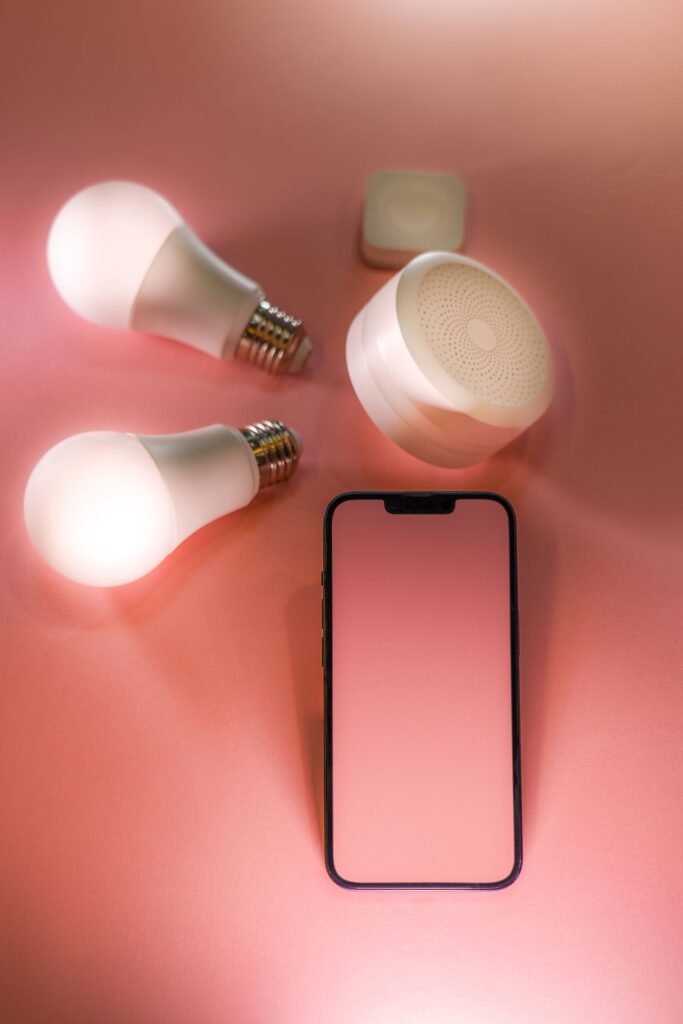
The premium class is defined by Philips Hue and its imitators: bulbs, strips and lamps that talk to a small bridge, respond instantly, dim smoothly to genuinely low levels, hold their colour beautifully, and keep working on schedule even if the internet dies. The bridge looks like friction but is actually the secret — it moves dozens of bulbs off your WiFi and onto their own mesh. You pay for this polish, per bulb, and a whole-house Hue fit-out is a serious sum; the classic pattern is Hue for the main living spaces where light quality matters daily.
The budget class — direct-WiFi bulbs from brands like Tapo, Wiz (Philips’ own value line) and a hundred marketplace rivals — costs a fraction as much and is honestly fine for a bedroom, a rental, or testing whether your household even likes smart lighting. The compromises are real but livable: dimming can get steppy at the low end, colours are less rich, each bulb adds a WiFi client (twenty bulbs is a router consideration, as we’ll see), and cloud-dependent models hesitate when the connection does. What you should not buy is the middle trap: unknown-brand colour bulbs with a 2-star app. The app is the product you touch every day; a bad one turns a five-second light change into an account login screen.
One decision that saves money and sanity: bulbs versus smart switches. If a room’s ceiling light is controlled by one switch and used by everyone, a smart switch (or a relay behind it) keeps the wall control working for guests, cleaners and grandparents — the number-one cause of smart-home resentment is a light that only works from an app. Bulbs win for lamps, colour and rentals. Switches win for main ceiling lights in homes you own. Many good homes end up with both, each where it belongs.
Step four: a video doorbell and cameras — last, not first
Security devices are the most advertised smart home category and, for most homes, correctly the fourth purchase — not because they’re unimportant, but because they’re the most expensive per unit of daily joy, the most likely to demand a subscription, and the only category that can make a home feel watched rather than helped.
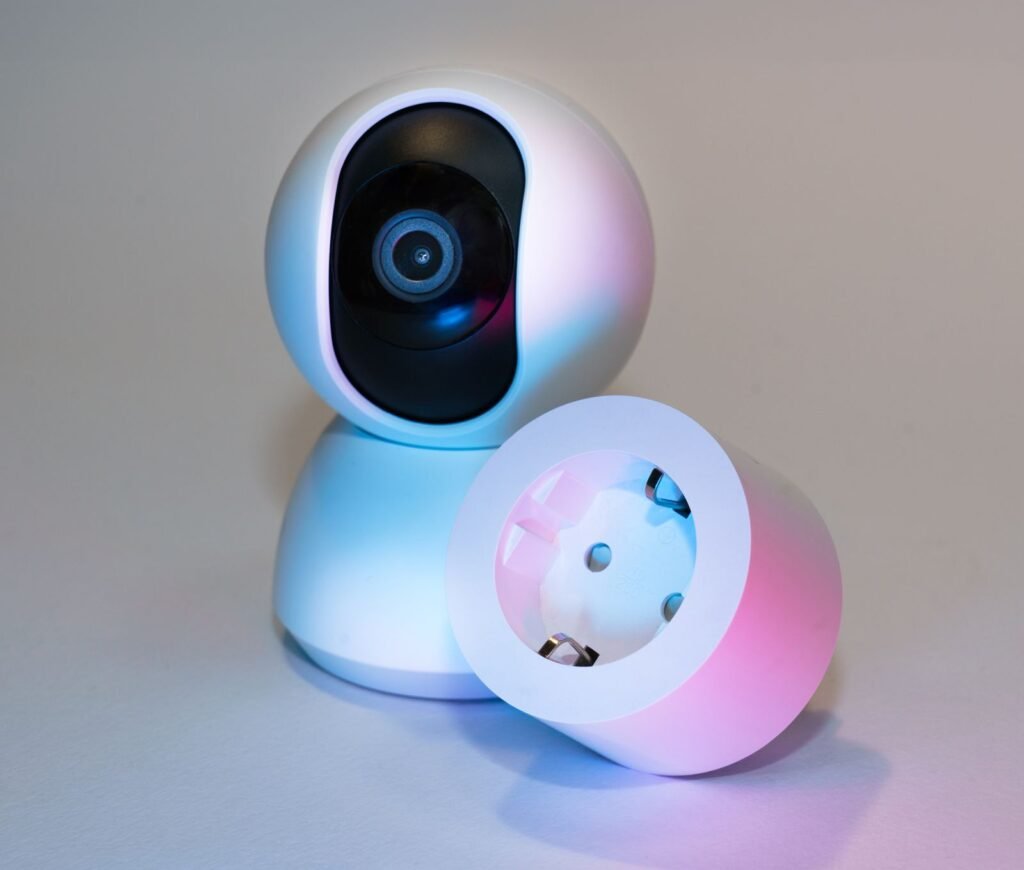
The video doorbell is the one security device we’d recommend to almost everyone who owns a front door. Package deliveries, visitors while you’re out, a record of who came and went — its value is weekly, not hypothetical. The honest divisions in this class: wired versus battery (battery models from the Ring and Blink class are renter-friendly and easy, but need recharging a few times a year and can sleep through the first second of motion; wired models, including Google’s Nest Doorbell in wired mode, record more promptly and never need a ladder-and-USB ritual). And the division nobody advertises: the subscription. Most doorbells show you a live view for free, but the recorded history — the clip of who actually took the parcel — commonly sits behind a monthly plan. Price the plan into the purchase, the way you’d price ink into a printer. A couple of ecosystems soften this (Apple’s HomeKit Secure Video records to the iCloud storage you may already pay for; some brands offer local storage or a camera with a memory card slot), and that can be a perfectly rational reason to choose one class over another.
Cameras beyond the doorbell deserve a slower hand. One camera watching the driveway, the back door or the dog’s favourite chair: reasonable. A camera in every room: a surveillance system pointed at your own family, with a breach history across the industry that should make anyone thoughtful. Prefer cameras with a physical shutter or an obvious off state for indoor use, turn on two-factor authentication on the account without exception, and treat “this camera was half price and the brand is a random string of letters” as the warning it is.
The foundation nobody brags about: your WiFi
Every device above is a WiFi client, and smart homes are where home networks go to be humbled. A phone and a laptop forgive a weak router; forty bulbs, plugs, cameras and speakers — most of them stuck on the crowded 2.4 GHz band, many of them placed exactly where signal is worst — do not. The classic smart home complaint, “the lights sometimes take five seconds,” is a router biography, not a bulb defect. If your network already struggles, read our guide on how to fix slow WiFi before buying a single gadget: router placement and a mesh system fix more smart homes than any device upgrade.
Security is the other half of the foundation, and it is unglamorous in the extreme: a router with a changed admin password, current firmware, WPA3 or WPA2 encryption and a guest network for visitors and cheap gadgets is worth more than any camera. Our walkthrough on how to secure your home WiFi covers the full checklist in one sitting. Do that sitting before the gadgets arrive, because a smart home multiplies the number of things that trust your network — it should be a network worth trusting.
Privacy, honestly: what you’re actually trading
A smart speaker hears its wake word locally, then sends what follows to the cloud to be understood. That is the deal, it is broadly as the manufacturers describe, and it is also true that recordings exist, that humans have historically reviewed samples of them, that voice history accumulates in your account, and that every ecosystem lets you review and auto-delete that history — if you bother. Bother. Once, at setup: turn on auto-delete, find the physical microphone mute switch and know where it is, and use guest modes and routines so visitors aren’t recorded into your account’s history. Speakers in kitchens and living rooms are a trade most people accept happily; speakers and cameras in bedrooms and bathrooms are a different trade, and “off” should mean a shutter or a mute switch, not a promise in an app.
The wider rule: every smart device is a small computer with a microphone, a camera, or a motor, run by a company whose support horizon is finite. Buy from brands with a track record of updates, keep firmware current, and assume that anything with a lens should be pointed only where you’d be comfortable with it being seen to be pointed. Judgement, applied once per device, beats paranoia applied to all of them.
Renters versus owners: two different shopping lists
If you rent, your smart home must be reversible: nothing that needs wiring, drilling or a landlord’s blessing, and nothing you can’t carry out in a box. The good news is that the starter kit above is almost entirely renter-shaped already — speakers sit on shelves, plugs and bulbs unscrew in minutes, battery doorbells mount with adhesive or a door bracket, and an indoor camera perches rather than mounts. Skip smart switches, wired thermostats and anything involving the electrical panel, and check your lease before the doorbell, not after.
Owners can go one layer deeper, and should do it in the unglamorous order: smart switches for the main lights, a wired doorbell, a thermostat if your heating system supports one (the one “later” device that can genuinely pay for itself in reduced heating waste), and leak sensors under sinks and water heaters — a category with zero showroom appeal that prevents the single most expensive accident in most homes. Ownership also changes the maths on subscriptions and bridges: a hub you’ll use for a decade is an investment; the same hub in a six-month rental is luggage.
Frequently asked questions
Do I need a hub?
Not to start. Most modern devices connect through WiFi, Thread via a border router you may already own (many speakers and streaming boxes double as one), or a brand bridge like Hue’s — which is optional-but-better for lighting at scale. A dedicated hub (the SmartThings or Hubitat class) earns its place when you outgrow the basics and want local, cross-brand automations; beginners should skip it and revisit in a year.
Will my smart home work when the internet goes down?
Partly — and the partition is revealing. Matter-over-Thread devices, Hue bulbs on their bridge and Apple Home automations generally keep working locally, including most schedules and switches. Cloud-dependent bargains often become sculptures until the connection returns. If resilience matters (it should, for lighting and locks), it is a buying criterion, not an afterthought.
Can I mix Alexa, Google and Apple in one house?
You can, especially now that Matter devices enrol in several ecosystems at once — but pick one as the household’s primary voice and routines platform, and let the others be guests. Two competing sets of automations is how lights acquire personalities.
How many devices can my WiFi handle?
Cheap routers start sulking somewhere in the dozens of clients, especially with chatty cameras. Bulbs and plugs are light traffic; cameras are not. If you’re planning past fifty devices, plan the network upgrade (mesh, and Thread for the small stuff) in the same breath.
What happens to my devices if a brand shuts down its cloud?
History’s answer: anything from “nothing changes” to “expensive paperweight,” and it has happened at real brands. Defences are boring and effective: prefer Matter and local control, prefer big ecosystems for the core devices, and treat any gadget that only works through one small company’s server as a rental with an unknown end date.
Are smart locks safe enough for a front door?
A good smart lock from an established class is typically as physically strong as the deadbolt it replaces or drives, and adds genuinely useful things — temporary codes for guests and cleaners, an entry log, no lockouts. The risks move rather than vanish: account security and phone security become door security. Enable two-factor authentication, use a strong account password, and keep the physical key as your fallback. Renters: check the lease; many forbid lock changes outright.
The bottom line
The best smart home is not the one with the most devices; it is the one whose owner stopped noticing it months ago. Get there in order: choose one ecosystem — guided by your phones, softened by Matter — then a speaker to give it a voice, plugs to give it hands, one room of good lighting to give it atmosphere, and only then a doorbell to give it eyes, with the subscription priced in and the cameras placed with judgement. Put it all on a WiFi network you’ve secured and strengthened first, and expand only when the current layer feels invisible.
Do that, and you’ll have built the thing the adverts promise: a home that quietly handles the small stuff. Everything else — the sensors, the thermostat, the robot vacuum whirring around the chair legs — is a second act, and it can wait until the first one is boring. For more honest, jargon-free buying guidance across phones, software and gadgets, start from the TechSarim homepage — that’s what we’re here for.