

Every security tool you own — the antivirus, the spam filter, the browser warning — exists to protect you from complicated attacks. Phishing is not a complicated attack. It is an email that asks you to do something, and it works not because the technology is clever but because the psychology is. The good news buried in that uncomfortable fact is this: an attack that runs on persuasion leaves fingerprints all over the message, and once you learn to read them, the same email that would have emptied an account becomes almost boring to look at. This guide, part of our Cybersecurity & Internet coverage, teaches you to read those fingerprints — each tell, why it happens, and what to do instead.
One honest reassurance before the details. Falling for a phishing email is not a mark of stupidity, and security professionals say so plainly: these messages are engineered by people who test them on millions of inboxes and keep only the versions that work. They arrive when you’re busy, tired, or expecting exactly the message they imitate. The defence is not being smarter than the scammer. It is having a short, fixed routine that runs the same way whether you’re alert or distracted — and routines can be learned in one sitting. This is that sitting.
What phishing actually is, in plain English
Phishing is a message — usually an email, increasingly a text or a call — that pretends to come from an organisation you trust and tries to get you to hand over something valuable: a password, a card number, a one-time code, or a click that installs malicious software. The name is the joke the criminals made at your expense: they’re fishing, your inbox is the lake, and the email is bait dressed up to look like food.
Notice what phishing is not. It is not hacking in the film sense — nobody is battering down your bank’s servers. The bank’s security is usually fine. The weak point being attacked is the moment of trust between you reading a message and you deciding it’s genuine. That is why the message almost always impersonates someone with authority over you: your bank, your email provider, your employer, a delivery company holding your parcel, the tax office. And it is why the two raw materials of nearly every phish are urgency and fear — your account will be closed, a payment has failed, someone has signed in from another country, a refund is waiting but expires tonight. Urgency does the attacker’s real work, because a person who feels they must act now does not stop to inspect the sender’s address. Everything in this guide follows from that: the tells are easiest to see exactly when the message is trying hardest to stop you looking.
There is a targeted variant worth naming. Spear phishing is researched — it uses your name, your employer, a project you’re actually working on, details scraped from social media or a previous data breach — and it is correspondingly harder to spot. Whaling is spear phishing aimed at executives. You cannot fully routine your way out of a well-researched spear phish, which is why the verification habits later in this guide matter more than any single tell. But the overwhelming majority of what lands in a normal inbox is mass-produced bait, and mass production is sloppy in ways you can learn to see.
The red flags at a glance
| Part of the email | What the genuine version looks like | What the fake usually does |
|---|---|---|
| Sender address | The company’s real domain, exactly spelled | A lookalike domain, a free webmail address, or the right name on the wrong address |
| Greeting | Your name, often with account details only they’d know | “Dear customer”, “Dear user”, or your email prefix |
| Links | Point to the company’s real domain when inspected | Point to a strange domain, a URL shortener, or a lookalike spelling |
| Tone | Routine, no deadline pressure | Countdown urgency: act now, account closes, payment failed |
| The request | Asks you to open the app or site yourself | Asks for passwords, codes, card numbers, or a reply with personal details |
| Attachments | Expected, named, and in context | Surprise invoices, “documents”, HTML files, or archives you never asked for |
| Offer | Ordinary marketing, in line with the brand | Refunds, prizes and payouts that are oddly generous and oddly urgent |
No single row convicts an email on its own — real companies occasionally write clumsy messages, and good fakes get individual rows right. Read the table as a scorecard instead: one flag means slow down, two means verify through another channel, three means treat it as hostile until proven otherwise. The sections below unpack each row properly, because knowing where to look is only half of it; knowing why the fake fails there is what makes the habit stick.
Anatomy of a fake: walking through one email
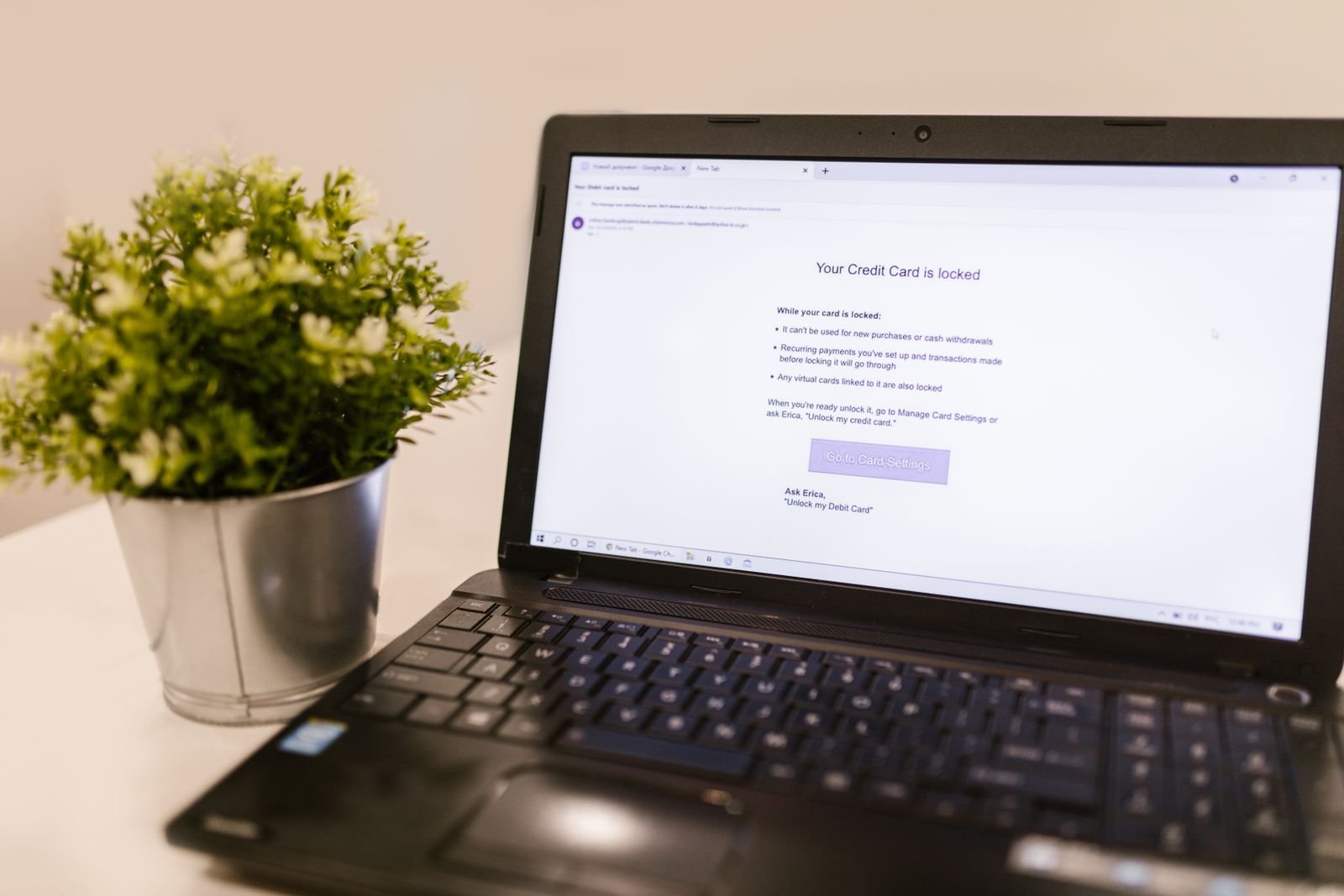
Imagine the most common phish in the world arriving in your inbox: a message claiming to be from your bank, or a payment service, saying a transaction was declined or your account has been limited, with a button to fix it. Every element of it is a decision the scammer made, and most of those decisions leave evidence. Work through it from the top, the way you’d work through it in real life.
The display name is a costume; the address is the face. Your email app shows a friendly name — the bank’s name, perfectly spelled — because the sender gets to choose that text freely, like writing any name you like on a name badge. The actual address is harder to fake convincingly, and it’s where fakes die. Open the sender details (tap the name on a phone, hover or click it on a computer) and read the address itself, character by character, right to left from the @ sign. Genuine mail comes from the company’s own domain, exactly spelled. Fakes come from lookalike domains with swapped or added letters, from hyphenated inventions, from free webmail accounts, or from some unrelated business whose server was hijacked. A correct-looking name on a wrong-looking address is not a bank email; it is a stranger wearing a bank’s name badge, and the conversation should end there.
The subject line is doing emotional work. Real security messages from real companies are dull because the events they describe are routine. Phishing subjects are written like headlines in a crisis — final warnings, immediate action required, unusual activity detected. That is not proof of fraud, but it is the scammer telling you their strategy out loud: they need you frightened and fast. Treat any message that tries to raise your heart rate as guilty until verified. Notably, this tell survives every technical improvement the scammers make, because it is the attack. An email that calmly invited you to log in sometime this week, through your own bookmark, would convert nobody.
The greeting doesn’t know you. “Dear customer”, “Dear account holder”, “Hello user” — mass phishing is sent to lists bought or scraped in bulk, and the sender usually doesn’t know your name, so the greeting stays generic on purpose, vague enough to fit everyone on the list. Your real bank, by contrast, typically greets you by name and may include a partial account detail — the last digits of a card, for instance — precisely as an anti-phishing measure. A generic greeting isn’t absolute proof (some genuine marketing mail is generic too), but a generic greeting attached to an urgent account warning is a contradiction: an institution that knows your account is in danger knows your name.
The links point somewhere else — and you can check without clicking. This is the most reliable mechanical tell of all. On a computer, hover your mouse over the button or link (without clicking) and your browser or email app shows the real destination; on a phone, press and hold the link to preview where it goes. Read the destination the same way you read the sender address: find the real domain, which is the part immediately before the first single slash, and check it is the company’s, exactly spelled. Fakes route through lookalike domains, through hyphenated constructions stuffed with the brand name as decoration, through URL shorteners that hide the destination entirely, and occasionally through the compromised website of some innocent third party. Any link in an unexpected email that you cannot clearly read as the real domain should simply never be clicked — and, as the golden rules below explain, you never needed it anyway.
The attachment is a loaded object. A surprise invoice, a “secure document”, a shipping label, an HTML file that opens a fake login page in your browser, an archive that needs a password “for security” (the password trick exists to stop your email provider scanning what’s inside). The rule is absolute and simple: an attachment you were not expecting, from a message you have not verified, does not get opened — full stop, no matter how plausible the filename. If the document might be real, get it the way you normally would: log in to the actual service yourself and download it from inside your account, where its provenance is guaranteed.
The details are slightly wrong, because copying is hard. Logos stretched or low-resolution, a footer with a wrong or missing postal address, dates in an unfamiliar format, a tone that lurches between formal and casual, links in the small print that go nowhere real. Any one flaw could be a sloppy genuine email. The pattern — several small wrongnesses in one urgent message — is the signature of a template built quickly, translated roughly, and sent by the million. Which raises the obvious question: what happens when the fakes stop being sloppy? That’s the next section, and it’s why this guide doesn’t end at spotting typos.
The modern upgrades: when the fake is well-written
The classic advice — “look for spelling mistakes” — is expiring, and honest guides should say so. Three changes have made modern phishing better dressed than the fakes of five years ago.
AI has fixed the grammar. Language models write fluent, idiomatic, correctly punctuated English in any tone, so the broken-English tell that caught a generation of scams is largely gone from well-run operations. Scammers also use the same tools to clone a company’s writing style from its real emails and to translate campaigns perfectly into dozens of languages. The consequence for you: judge an email by its mechanics — sender domain, link destinations, what it’s asking for — never by how polished the prose feels. Polish is now free. Provenance is still hard to fake.
The lure has moved off email. The same script now arrives as a text message (smishing): a delivery fee to pay, a bank alert, a toll or fine with a link. It arrives as a phone call (vishing), sometimes with a spoofed caller ID showing your bank’s real number and a calm voice asking you to “confirm” a code that was just sent to your phone — a code that actually signs the scammer in. And it arrives as a QR code in an email or on a sticker slapped over a genuine parking-meter or restaurant code: scan it and your phone opens the fake payment page, conveniently bypassing the hover-to-inspect habit and most email security filters, which can’t follow a picture. The defences transfer directly. A text is not more trustworthy than an email for arriving on your phone; a voice is not more trustworthy for sounding human; and a QR code deserves the same suspicion as a link you can’t read — because that’s exactly what it is, a link wearing a costume your eyes can’t inspect. Treat any QR code that asks for payment details or a login as hostile, and pay through the official app or typed address instead.
The page after the click has improved too. Modern phishing kits copy login pages pixel-perfectly and can even relay real one-time codes in real time, so the site looking right means nothing. What still betrays them is the address bar — the domain, again — which is why every habit in this guide keeps returning to it.
The golden rules: what to do instead of clicking
Spotting tells is useful, but the deeper defence is to make the tells irrelevant. Four habits do that, and together they take less effort than the inspection routine they replace.
Go to the service yourself, every time. If an email says there’s a problem with your account, close the email, open the app or type the address you already know, and look. If the problem is real, it will be waiting for you inside your account, where the message’s authenticity no longer matters. This single habit neutralises almost every phish ever written, including ones too good to spot — which is why it’s the rule the FTC’s phishing guidance and every bank’s own advice keep repeating.
Never use the contact details inside a suspicious message. The phone number in the email connects to the scammer’s call centre, where a helpful voice completes the theft. Use the number on the back of your card, on a paper statement, or on the site you reached yourself. The same applies to “reply to this email” — don’t. A second channel you sourced independently is the only verification that counts, a principle CISA’s phishing guidance puts at the centre of its advice.
No legitimate organisation asks for that. Your bank will never email you asking for your full password, your PIN, or a one-time code; your email provider will never ask you to “confirm” your password by replying or through a surprise form. Any message requesting secrets is fraudulent by definition, whatever its branding — this rule has no exceptions worth memorising, and it’s the fastest verdict in this entire guide. Pair it with the structural fix: if every account has its own password, stored in one of the best password managers, then even a successful phish steals a key that opens exactly one door instead of forty.
Teach the routine to the people scammers actually target. Phishing volume follows vulnerability, and the relatives who forward you warnings about scams are often the ones least equipped to spot a good fake — a parent whose bank “emails” them, a grandparent whose delivery is “held”. Ten minutes spent walking someone through the sender-address check and the go-there-yourself rule protects them more durably than any software you can install for them, because the routine travels: it works on their phone, their tablet, and the next scam nobody has invented yet. If you take one thing from this guide to share, share the habit, not a list of warnings.
Slow down on purpose. Urgency is the payload; delay is the antidote. A message that is genuine will still be genuine after you’ve made tea, checked the sender address, and logged in through your own route. Build the pause in — especially on your phone, where small screens hide addresses and links and most people now read most of their mail. And if an account truly matters, harden the account itself, not just your reading habits: the steps in our guide to how to secure your Google account — passkeys, two-step verification, a clean recovery setup — are what make a stolen password insufficient on its own, and the same settings exist on every major service.
Clicked already? Do these things, in this order
First, the sentence that matters most: do not panic, and do not be embarrassed into silence — embarrassment is the scammer’s second payday, because victims who say nothing give the thief unlimited time. Then work this list promptly, in order.
- If you entered a password, change it — from a clean route. Open a fresh browser window (or a different device, if you have one), go to the real site yourself, and change the password there. Then change it anywhere else you reused it. This is the moment the wider privacy reset earns its keep, but the phished account comes first.
- Turn on two-factor authentication or a passkey on that account while you’re in there. If the thief has your old password but not your second factor, the race is usually won.
- If you entered card or bank details, call the bank — using the number on the card — and tell them plainly what happened. They deal with this daily, they can freeze and reissue, and speed genuinely limits losses.
- If you opened an attachment or installed something, disconnect and scan. Take the device off the network, run a full scan with your security software, and treat password changes as belonging on a different, clean device until the scan is clear.
- Watch the account and its neighbours. Check recent activity and signed-in devices for anything you don’t recognise, and stay alert over the following weeks for follow-on attempts — a known-live target gets phished again.
- Report it (next section), so the same message gets harder to deliver to everyone else.
Report it: five minutes that protect strangers
Reporting feels pointless and is anything but — filters learn from forwarded samples, and takedowns start with reports. Three routes cover most cases, with availability that varies by country. Forward phishing emails to the Anti-Phishing Working Group at reportphishing@apwg.org, and use your email app’s built-in “Report phishing” option too, since that trains the filter protecting your own inbox. If the email impersonates a company, that company’s own abuse address (often published on its real website) gets it to the team who can pursue the fake domain. For scam texts, many mobile networks — including those in the US and UK — let you forward the message free to 7726 (which spells SPAM on a keypad); check your carrier if you’re elsewhere, as the shortcode isn’t universal. In the US, fraud can also be reported to the FTC at ReportFraud.ftc.gov. Then delete the message. A reported, deleted phish is the best ending one can have.
Frequently asked questions
Can I get phished just by opening an email? Reading a message is, by itself, low-risk on a modern, updated email app — the danger lives in the actions the message invites: clicking, downloading, replying with information. Keep your apps updated, avoid loading remote images in mail from strangers if your app offers the choice, and treat the content as a stranger’s claim rather than a fact.
The email came from my friend’s real address. Is it safe? Not necessarily. Accounts get compromised and then used to phish the victim’s contacts, because mail from a known person disarms suspicion. If a friend’s message asks for money, codes, gift cards, or an odd favour with a link, verify through a different channel — a call or a separate message — before acting. Urgency plus secrecy plus money is a scam pattern even from a genuine address.
Are phishing texts really the same threat? Yes — smishing is the same script in a smaller window, with worse inspection tools and a higher open rate, which is why scammers love it. Everything in this guide applies: don’t use the link, go to the service yourself, never trust the number it gives you.
My spam filter catches these. Do I still need this? Filters catch the bulk, and the word “bulk” does the heavy lifting — the messages that reach your inbox are the survivors, selected precisely because they got past automated checks. Your judgement is the last filter, and it’s the only one that travels to your texts, calls and QR codes.
A message says I won something / I’m owed a refund. Any chance it’s real? Organisations you have no relationship with do not owe you money, and lotteries you never entered cannot be won. Refund and prize phishes run on the mirror image of fear — greed and relief — but the mechanics are identical: an unexpected message, a deadline, a link, a request for details or a small “processing fee”. Apply the same routine and it collapses the same way.
The bottom line
Phishing survives because it attacks the reader, not the machine — so the defence is a reader with a routine. Read the real sender address, not the display name. Inspect where links actually go before they go there. Let generic greetings, impossible offers and surprise attachments lower your trust, and let urgency lower it fastest of all. Then make the whole inspection almost unnecessary: never travel to an account through a message, always go yourself, and never hand over a password or code to anyone who asks by email, text or phone. Do those things and the most successful attack in computing history becomes, for you, a mildly interesting piece of spam — spotted in seconds, reported in a minute, and deleted without a second thought.