

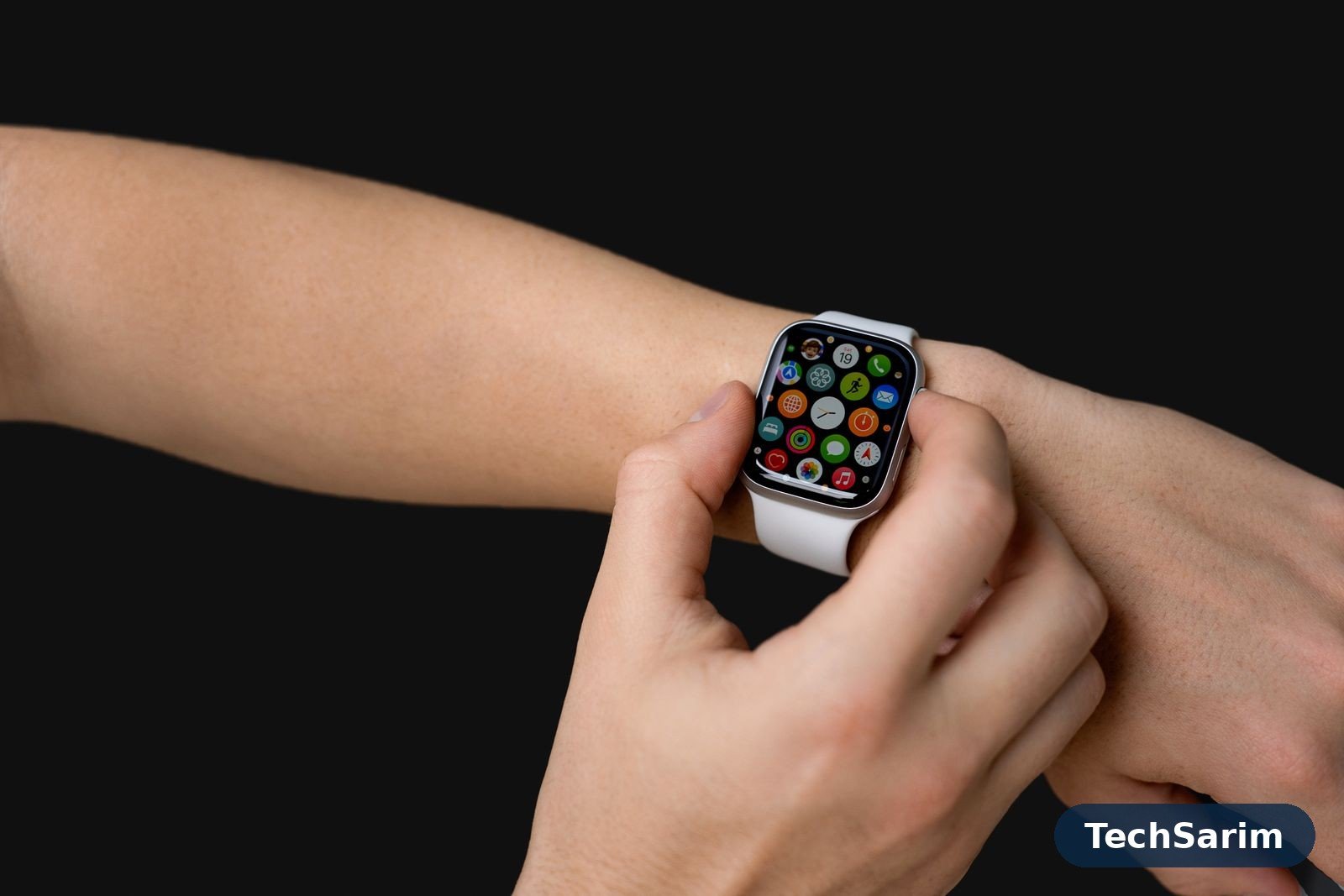
Buy a watch for an iPhone and the decision makes itself: one product line, take it or leave it. Buy one for an Android phone and you walk into a fork in the road that nobody signposts — and picking the wrong branch is the reason so many smartwatches end up in drawers. Down one branch sit the true smartwatches, running Google’s Wear OS: real apps, replies to messages, payments from your wrist, a voice assistant — and a battery you charge about as often as your phone. Down the other sit the fitness-first watches from makers like Garmin and Amazfit: fewer apps, plainer notifications, but batteries measured in weeks and sports tracking the first branch can’t touch.
Neither branch is “better”. They are answers to different questions, and this guide — part of our Tech Gadgets & Product Reviews coverage — starts by making you answer the right one. Then it walks the picks class by class, with the honest caveats the spec sheets skip: which features quietly require a specific brand of phone, which health sensors are switched off in your country, and what the battery figures look like once the always-on display and a daily run enter the picture.
A quick word on what a smartwatch even is in 2026, because the word now covers everything from a full Wear OS computer to a slim band with a screen. In this guide, “smartwatch” means anything worn on the wrist that pairs with your Android phone, shows notifications and tracks health or exercise. Where a pick is really a fitness tracker in watch clothing, the guide says so.
First, the fork in the road: two kinds of smartwatch
Wear OS watches (Samsung’s Galaxy Watch line, Google’s Pixel Watch line, OnePlus’s Watch line and a few others) run a proper operating system with an app store. You can reply to a WhatsApp message from your wrist, pay with Google Wallet, ask the assistant a question, download a podcast and navigate with Maps — no phone in hand. The cost of all that computing is battery: a day, maybe two, between charges is the honest norm, and these watches want a nightly top-up the way your phone does.
Fitness-first watches (Garmin’s ranges, Amazfit, and similar) run lean, purpose-built software. They track training, sleep and health superbly, show your notifications, and that’s most of the story: replies are limited or absent, third-party apps are a small curated garden rather than a store, and payments — where they exist — use the maker’s own system rather than Google Wallet. In exchange, the battery lasts a week or two, sometimes far longer, and the sports data goes far deeper than anything on Wear OS.
Everything in this guide follows from that trade. If you want a second screen for your phone, buy from branch one and accept the charging cable. If you want a training instrument that also tells the time and buzzes for messages, buy from branch two and accept the simpler software. The unhappy owners are almost always the ones who bought the other branch by accident.
The best smartwatches for Android at a glance
| Watch class | Platform | Battery, honestly | Apps and extras | Best for |
|---|---|---|---|---|
| Samsung Galaxy Watch class | Wear OS | Around a day to two days | Full Play Store, Google Wallet, deep Samsung Health integration | Samsung phone owners who want the full package |
| Google Pixel Watch class | Wear OS | Around a day | Full Play Store, cleanest Google software, Fitbit health tracking | Pixel owners and Google purists |
| OnePlus Watch class | Wear OS | Several days — the Wear OS exception | Full Play Store, dual-chip design that sips power | Anyone who wants Wear OS without nightly charging |
| Garmin sport class | Garmin OS | One to two weeks, longer in saver modes | Deep training metrics, onboard maps on higher models, limited app store | Runners, cyclists and triathletes who train seriously |
| Amazfit class | Zepp OS | Around a week or more | Solid health tracking, notification mirror, no Google Wallet | Fitness-first buyers on a mid-range budget |
| Budget bands and watches | Varies | One to two weeks | Basics done well: steps, sleep, notifications | First-timers and the budget-conscious |
Read the battery column twice, because it is the only column you will feel every single day. A watch that dies is worse than a watch with fewer features, and every class above is a different answer to the question “how often am I willing to charge this thing?”
Battery life: the trade-off that decides everything
Manufacturers quote battery life the way airlines quote legroom — technically defensible, practically optimistic. The honest shapes are these. A Wear OS flagship with its bright always-on display lit, notifications flowing and a GPS-tracked run each day lands somewhere between a day and two days. Turn the always-on display off and stretch towards the top of that range; add an LTE connection and live at the bottom of it. The OnePlus Watch class is the genuine exception, using a second low-power chip for the basics so the hungry main processor can sleep — the result is several days of real use, which changes the product from a nightly ritual into something you charge when you remember.
Fitness-first watches play a different sport entirely. A week is unremarkable; two weeks happens; switch a Garmin into its battery-saver behaviour and the count runs into many weeks, at the cost of the smart features. The mechanism is no mystery: a dimmer, simpler display, a processor doing far less, and software that isn’t trying to be a phone.
Two practical consequences. First, sleep tracking only works if the watch is on your wrist at night — a nightly-charging Wear OS watch has to find its charging time in your morning routine instead, which some people manage happily and others never do. Second, think about travel: a fitness watch crosses a week-long trip without its cable; a Wear OS watch adds one more charger to the bag. Neither consideration appears on a spec sheet, and both decide real-world satisfaction more than any sensor.
The Wear OS picks: a real computer on your wrist
Samsung Galaxy Watch class — the default for Samsung phones. If your phone is a Galaxy, start here and you may not need to look further. This class pairs the most polished Wear OS experience with Samsung’s health platform, the widest choice of sizes and finishes — including rotating-bezel “Classic” styles for people who like their tech to look like a watch — and the option of LTE on most models. The honest caveat is the ecosystem toll: a handful of headline health features, notably ECG and blood-pressure readings through Samsung’s health-monitor app, have historically required a Samsung phone and are only switched on in countries where regulators have cleared them. On a Pixel or OnePlus phone, the watch still works well — it simply isn’t quite the watch the adverts describe.
Google Pixel Watch class — the cleanest software, the Fitbit brain. Google’s own watches are the reference design for Wear OS: the least cluttered interface, the fastest updates, and health tracking powered by Fitbit, which Google owns. The hardware leans elegant rather than rugged — rounded glass, modest size options — and the battery is the class’s weak point, at around a day in real use, so it lives on its charger nightly. Two honest notes: some Fitbit features sit behind a subscription tier after an introductory period, and the watch makes most sense paired with a Pixel phone, though it works with any modern Android handset. Buy it for the software and the sleep-and-health experience, not for adventure.
OnePlus Watch class — Wear OS with the battery problem solved. OnePlus’s recent watches run the same Wear OS with the same app store, then cheat elegantly: a dual-engine design hands the always-on, low-effort work to a frugal secondary chip and wakes the powerful one only when needed. The result is the only Wear OS class you can wear for the better part of a week, sleep tracking included, without planning around a charger. The compromises are real but minor for most buyers — a single case size that suits larger wrists, and a health platform that is good rather than class-leading. If the nightly charge is what killed your last smartwatch, this is the class aimed at you.
Whichever Wear OS class you choose, the wrist experience converges: notifications you can act on, calls from the watch, Google Wallet for payments, Maps for walking directions, and an app catalogue that turns the watch into a remote control for your digital life. Pair it with the phone-side software from our guide to the best Android apps and the combination covers most of what people actually do with a smartwatch.
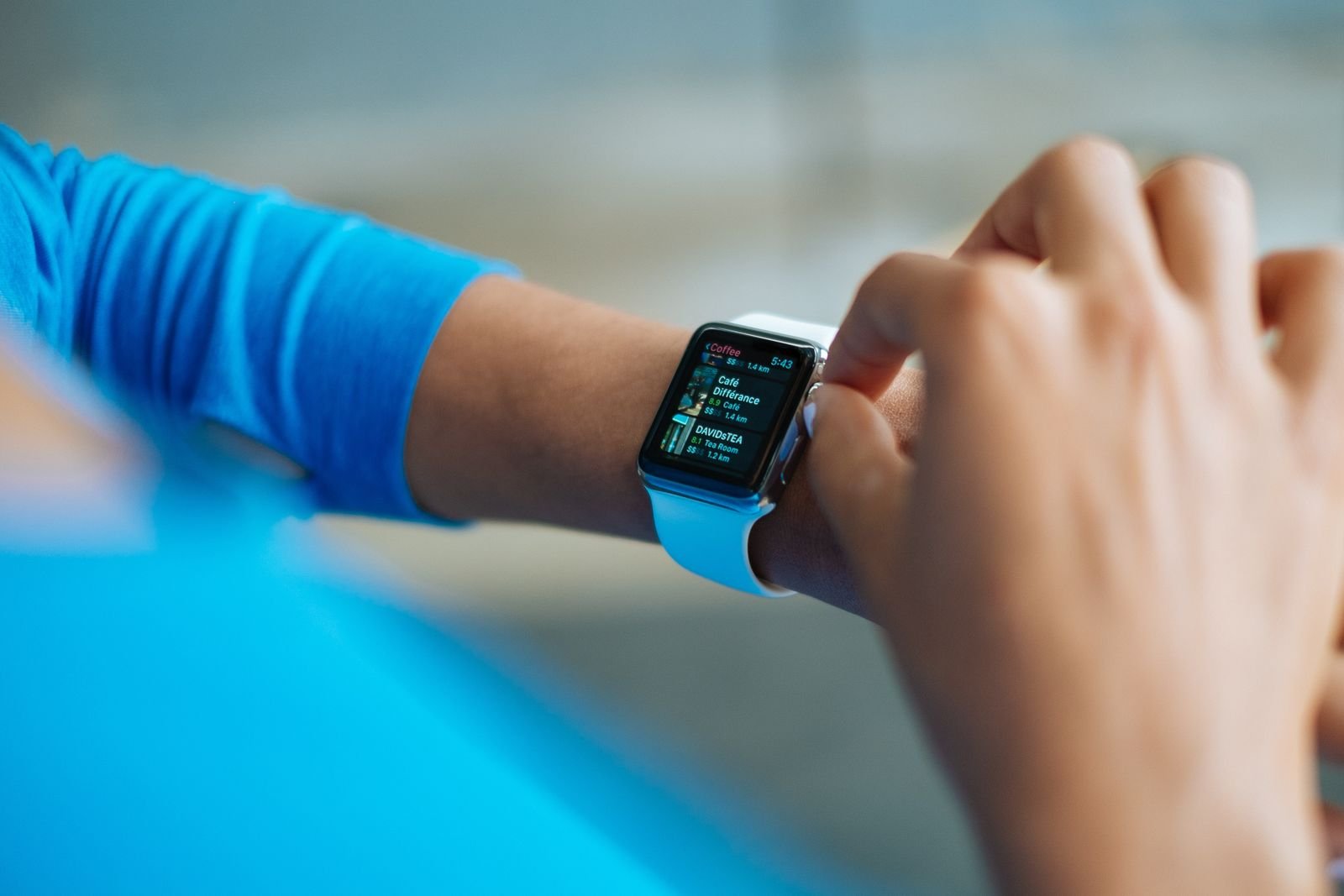
Health and fitness features, honestly scoped
Every watch in this guide counts steps, measures heart rate and tracks sleep; those basics are commoditised and broadly reliable for spotting trends in your own data. The differences — and the disappointments — live in the headline features below the basics, so here is the honest scoping the marketing skips.
Heart rate and sleep are the solid core. Wrist heart-rate is good for training zones, resting trends and spotting that something is off; it is not a chest strap and not a medical instrument. Sleep staging is an informed estimate — treat the trends (regularity, duration) as useful and the exact minutes of “deep sleep” as entertainment.
Blood oxygen (SpO2) on consumer watches is a spot-check and trend tool, often taken overnight. It is a wellness indicator, not a diagnostic one, and a single low reading is a reason to retake it sitting still, not to panic.
ECG and blood pressure are where geography and phone brand bite. These features involve medical-device regulation, so they are enabled country by country, model by model. Samsung’s implementation has typically run through its own phone app and required a Samsung handset; blood-pressure readings additionally need periodic calibration against a real cuff. Google’s Fitbit-based ECG has its own list of supported countries. Before buying any watch for one of these features, check three things: that the feature is enabled in your country, on that model, with your phone. If any leg of that tripod is missing, the sensor sits in the watch doing nothing — the single most common complaint in owner reviews.
For athletes, the gap between branches widens again. Garmin-class watches add training load, recovery advice, race predictions, multi-band GPS for accuracy in cities and forests, and structured workouts that adapt — the difference between a watch that records your run and one that coaches your season. Wear OS watches track exercise perfectly respectably; they just stop at recording and reporting.
The summary we’d give a friend: buy health features for the trends, not the diagnoses, and verify the regulated features against your country and phone before they influence the decision.
The fitness-first picks: built for training, not apps
Garmin class — the athlete’s default. Garmin makes more watch lines than most brands make products, but the Android-relevant story is simple: pick your sport depth and your budget, and there is a round watch with weeks of battery, excellent GPS and training metrics no Wear OS watch matches. Everyday models handle running, cycling, swimming and sleep with polish; the outdoor and multisport flagships add onboard maps, enormous batteries and durability you can drop on rocks. What you give up: notification replies are basic, the app store is a fraction of Google’s, voice assistants and Google Wallet are absent on most models (Garmin’s own payment system works with a narrower set of banks), and the interface prioritises data over beauty. For someone who trains five times a week, none of that matters. For someone who mostly wants a smarter wrist, all of it does.
Amazfit class — the sensible middle. Amazfit (from Zepp Health) sells the fitness-first formula at friendlier prices: bright screens, a week-plus of battery, capable health and sleep tracking, and reliable notification mirroring. The software is less refined than Garmin’s and the sports science shallower, but as a first “serious” fitness watch or a gift, the value is hard to argue with. Like Garmin, there is no Google Wallet and no Play Store — what it ships with is what you get, so check the feature list against your needs rather than assuming an app exists.
The budget end: bands, bargains and honest compromises
Below the classes above sits a crowded floor of budget watches and fitness bands from Xiaomi, Amazfit’s entry lines, and a hundred no-name brands. The honest split:
Branded budget bands and watches are genuinely good at the basics — steps, sleep, heart rate, notifications, a week or two of battery — and are the right buy for a first wearable, a teenager, or anyone testing whether they’ll actually wear the thing. The screens and software are a step down; the core job gets done.
No-name bargains are where the money is wasted. The watch in the listing photos is real; the ecosystem behind it often isn’t. Companion apps get abandoned, sync breaks after a phone update, health data can’t be exported, and “ECG” on a very cheap watch is a random number generator with a graph. A branded band from a maker with an app to maintain costs a little more and works for years; that is the actual bargain.
Remember too that the budget question starts with the phone: a modest watch paired with a modest handset is a coherent setup, and our rundown of the best budget smartphones pairs naturally with this end of the watch market.
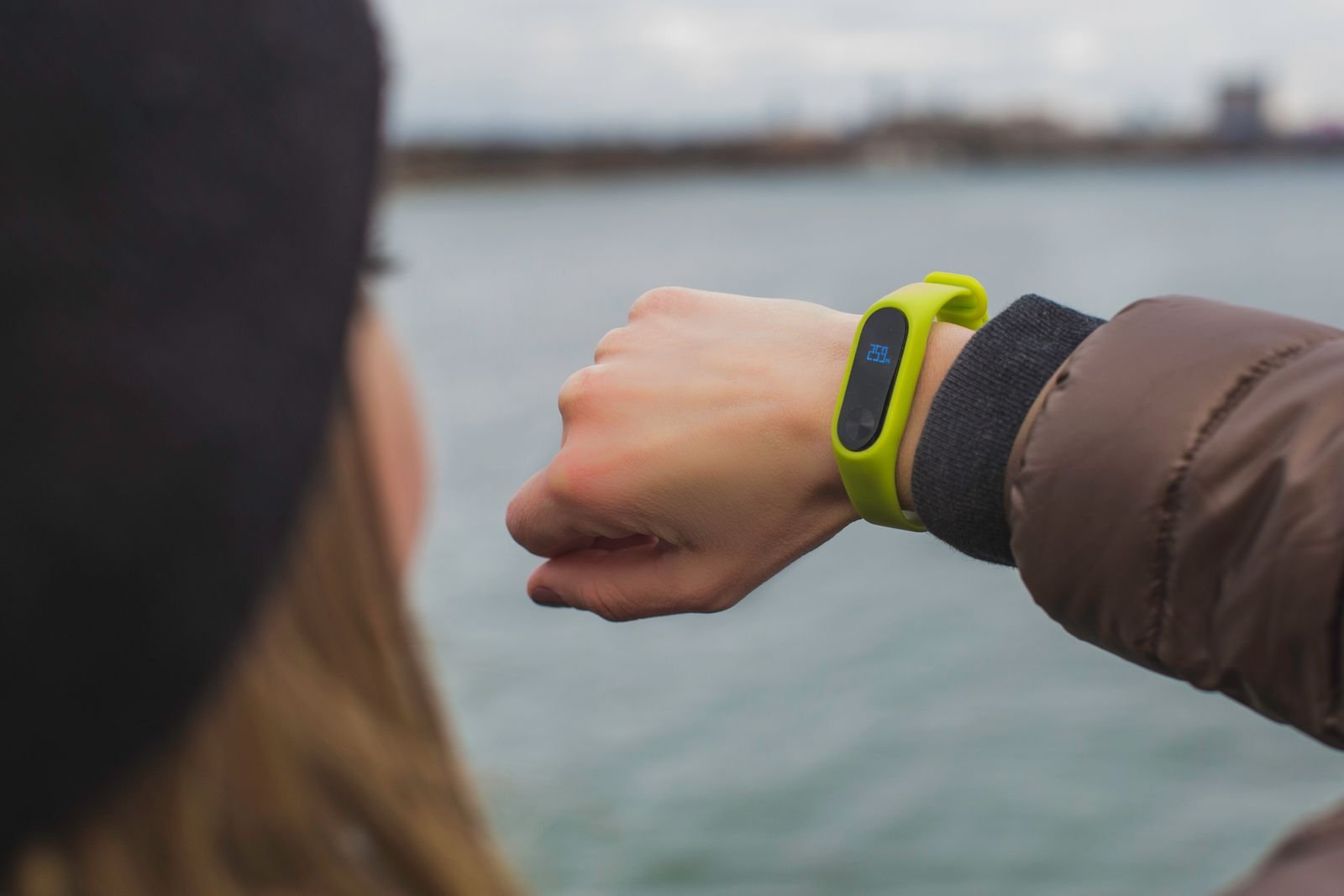
The lock-ins nobody warns you about
Smartwatch lock-in is subtler than phone lock-in, and it only becomes visible after you’ve paid. Four traps account for almost all of it:
Brand-gated health features. As covered above, Samsung’s ECG and blood-pressure features have historically wanted a Samsung phone; a Galaxy Watch on another brand’s handset silently loses the features on its own box. The watch still works — it just isn’t the full product.
The app and data ecosystem. Your health history accumulates inside Samsung Health, Fitbit, Garmin Connect or Zepp. Switching brands later usually means starting your trends again or accepting a partial export. This is a soft lock-in — nothing breaks — but it nudges your next watch purchase towards the same brand, which is, of course, the point.
Subscriptions. Fitbit’s premium tier (relevant to the Pixel Watch class) gates some insights and readiness scores behind a monthly fee after an included trial; some rivals charge for advanced training features too. Factor a subscription you actually intend to keep into the true cost of the watch, the way you’d factor a case and charger.
The iPhone wall. Worth stating plainly because people ask: no Apple Watch works with Android at all, and no watch in this guide works with an iPhone. The watch decision and the phone decision are welded together — if you are cross-shopping phones too, our Android vs iPhone comparison covers the platform side of that choice.
LTE or Bluetooth-only: who should pay for the connection?
Most Wear OS classes offer an LTE variant that can take calls, stream music and message with the phone left at home. It is a genuinely liberating feature for runners who hate carrying a phone and for parents equipping a child. It is also a recurring cost — the watch needs its own line or add-on on your mobile plan, in the shape of a modest monthly fee that quietly doubles the watch’s cost over a couple of years — and it spends battery faster than any other feature.
The honest rule: buy LTE if you have a specific, recurring phone-free scenario — regular runs, rides or school runs. If the scenario is “it might be handy one day”, buy the Bluetooth model, which does everything else identically while your phone is in range, and keep the difference. Fitness-first watches mostly skip LTE entirely, which tells you how essential their makers judge it for their users.
Fit, sizes and water resistance: the unglamorous deciders
Reviews dwell on chips and sensors, but the reason a watch stays on a wrist is usually dumber than that: it has to be comfortable at 3 a.m. Three practicalities deserve thirty seconds before you buy.
Case size. Most classes offer two sizes, roughly small (around 40–41mm) and large (around 44–47mm), with athlete flagships sometimes going bigger. A case that overhangs your wrist bones will dig in during push-ups, sleep and typing, and oversized watches on smaller wrists are the quiet majority of returns. If you’re between sizes, choose the smaller one for sleeping and training comfort; choose the larger one only if reading the screen mid-run genuinely demands it.
Water resistance. Look for 5 ATM as the sensible floor — that rating covers showers, rain and pool swimming on every class in this guide. Dedicated swim and outdoor models go further, and some add proper dive ratings, but be honest about the difference between swimming laps (5 ATM territory) and scuba ambitions (a specialist purchase). One trap: water resistance does not love hot showers, saunas or soapy water, whatever the number says, and it degrades as seals age.
Straps. Nearly all of these watches use standard quick-release straps, which is better news than it sounds: the sporty silicone band the watch ships with can become leather for the office or nylon for summer in ten seconds, cheaply, from any maker. Proprietary strap systems exist at the fringes — one more small lock-in to check if you already own a drawer of 22mm straps you like.
None of this photographs well, which is why adverts skip it. Your wrist, which has to live with the decision, will not.
Frequently asked questions
Can I use a Galaxy Watch with a non-Samsung Android phone? Yes — current Galaxy Watch models pair with other Android phones through the Galaxy Wearable app and work well. What you lose is a small set of Samsung-phone-only features, historically including the ECG and blood-pressure functions in Samsung’s health-monitor app, plus some phone-camera and settings integrations. Check the specific features you care about against your phone before buying.
Do any of these watches work with an iPhone? No. Wear OS watches require an Android phone, and Garmin/Amazfit-style watches do pair with iPhones, but they belong to a different search entirely. If you own an iPhone, Apple’s own watch is effectively the only full-featured option — one reason the platform choice matters so much.
How long will the battery really last? In shape: a day to two days for Wear OS flagships with the always-on display enabled, several days for the OnePlus class, roughly a week for Amazfit-class watches, and one to two weeks for most Garmin models in normal smartwatch use. GPS-heavy training days shorten all of these; battery-saver modes lengthen them, at the cost of features.
Is the health data accurate enough to act on? For trends — resting heart rate drifting up, sleep collapsing during a stressful month, training load climbing — yes, and those trends are genuinely useful. For single readings with medical weight, no consumer watch in this guide is a medical device, and regulated features like ECG are enabled only where cleared. Let the watch flag things; let a clinician judge them.
Should I wait for the next model? Smartwatch generations improve in small steps: a little brighter, a little faster, a day-part of battery here and there. Unless a launch is imminent and your current watch is dead, buying the current class at a street discount beats waiting at full price for an incremental successor. The exception is battery: if a genuinely longer-lasting Wear OS model is your requirement, the OnePlus class already exists.
Can I pay with these watches? On Wear OS classes, yes — Google Wallet is one of the platform’s best features. On fitness-first watches, payments depend on the maker’s own system (Garmin Pay, for instance) and your bank’s support for it, which is patchier. If wrist payments matter, check your specific bank before choosing a fitness-first watch.
The bottom line
Choose your branch first, your brand second, and your model last.
If your phone is a Samsung and you want the complete smartwatch — apps, payments, replies, health — the Galaxy Watch class is the default answer, with the region-and-phone caveats on its medical features understood. If you carry a Pixel or simply want Google’s cleanest software with Fitbit’s health brain, the Pixel Watch class is the pick, nightly charging and all. If you want Wear OS without the nightly charge, the OnePlus Watch class is the one to buy. If you train seriously — running, cycling, triathlon — skip Wear OS entirely and buy the Garmin class at the depth your sport needs; you’ll trade apps for weeks of battery and coaching-grade data, and you won’t miss the apps. If you want the fitness-watch shape on a budget, an Amazfit-class watch or a branded band covers the basics honestly. And if you only know you want “a smartwatch”, buy the budget band first: three months of wearing it will tell you which branch of the fork is actually yours, for a fraction of the cost of guessing wrong at flagship prices.